
How to Make an AI Kissing Video With Your Crush (Step-by-Step)
Published · 5 min read · Let's Mack editorial team
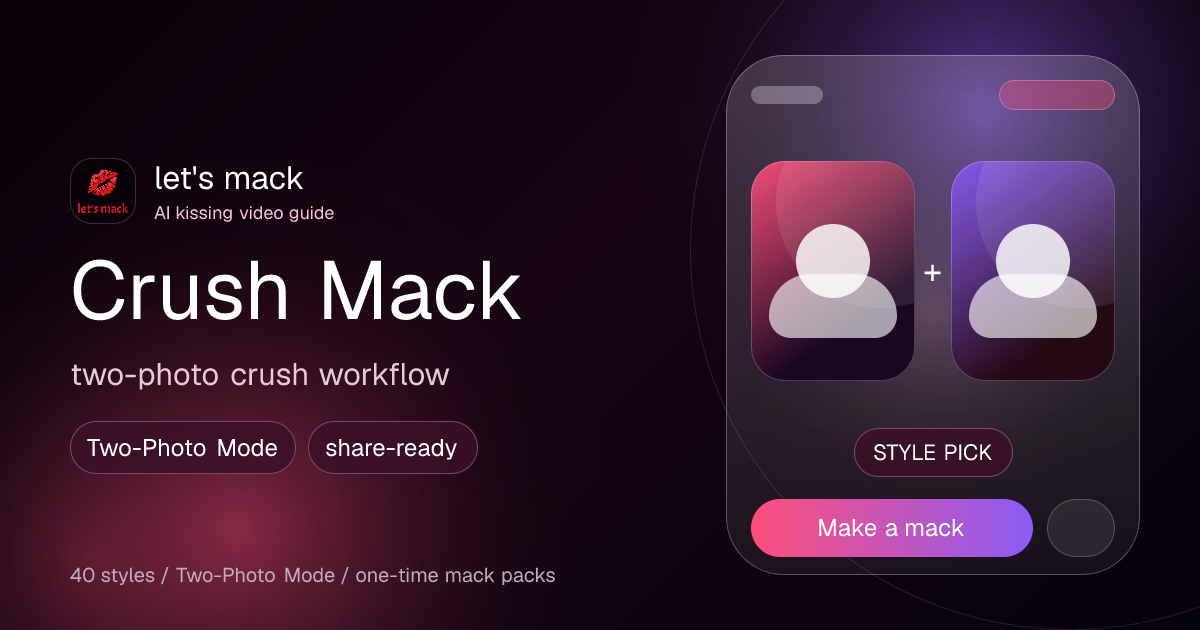
What If You Could See Yourself Kissing Your Crush?
Let's be honest — you've thought about it. Everyone has. The difference is that now AI can actually show you what it would look like, and the results are equal parts hilarious and weirdly convincing.
AI kissing videos have blown up as a way to joke around with friends, break the ice in group chats, and yes — manifesting that crush energy. Let's Mack makes it stupidly easy to turn any two photos into a full AI-generated makeout video, and it takes less than a minute.
Here's exactly how to do it.
Step 1: Get a Photo of Your Crush
You need a clear photo where their face is visible. Good options: their Instagram profile pic (screenshot it), a selfie they sent you, a group photo (crop it or let the AI handle it), or a celebrity crush photo (just Google their name).
Pro tip: the better the lighting and the clearer the face, the funnier the result.
Step 2: Open Let's Mack and Use Two-Photo Mode
Head to letsmack.com and tap Two-Photo Mode. This lets you upload two separate photos — one of you, one of your crush — and the AI combines them into a single kissing video.
Step 3: Pick Your Style
Let's Mack has 42 mack styles. Playing it cool? Try Awkward or Surprise. Going for it? Try Classic, Movie Kiss, or Rain Kiss. Maximum drama? Telenovela, Enemies to Lovers, or Bollywood. Unhinged? Anime, FBI Open Up, or Caught in 4K.
Step 4: Send It (or Don't)
You don't have to send it to your crush. Send it directly (bold move), drop it in the group chat, post it on your story, or keep it to yourself. No judgment.
Is It Weird?
No. Millions of people have made AI kiss videos with their crushes. It's 2026 — AI-generated content is mainstream entertainment. It's no different from drawing hearts around someone's yearbook photo, just more technologically advanced.
Try It Free
You get 1 free video on signup at letsmack.com. No credit card needed. Upload two photos, pick a style, and see what happens.